.png)
Search Results
54 results found with an empty search
- Best Practices for First-Year Advising and Beyond
October 20, 2023 Spring *and summer* registration is just around the corner. In this session, we’ll cover how to use features in MyEastern to help your advisees search for classes, add them to their plan, get them approved and register. We’ll also cover best practices for advising students who are struggling academically, uncertain about their program of study and/or facing scheduling constraints. Required for INST 150 instructors and encouraged for all other academic advisors.
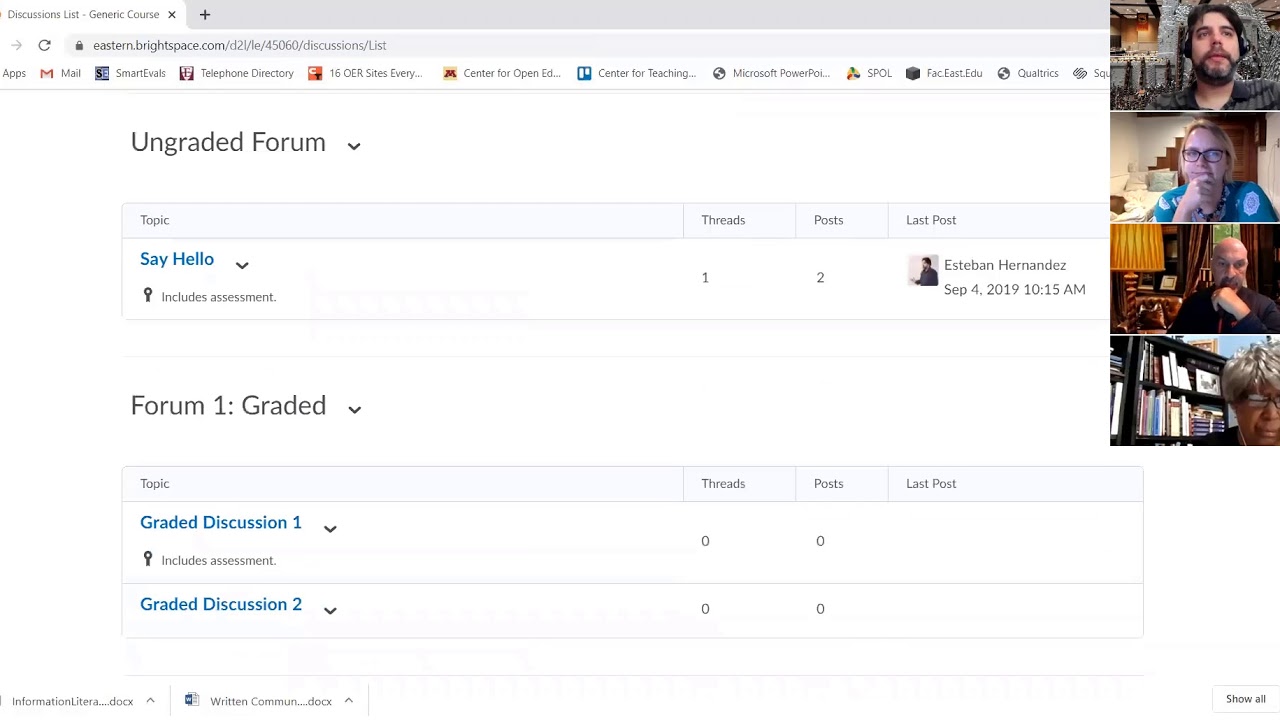
- Brightspace Groups and Discussions: Correct Set-Up
October 21, 2020
- Brightspace Rubrics: What You Need to Set Up and How to Use
November 11, 2020
- Fostering Classroom Relationships
October 13, 2022
- Best Practices for First-Year Advising and Beyond
March 15, 2023 Fall/Summer registration is just around the corner. In this session, we’ll cover how to use features in MyEastern to help your advisees search for classes, add them to their plan, get them approved and register. We’ll also cover best practices for advising students who are struggling academically, uncertain about their program of study and/or facing scheduling constraints, as well as Fast-Pass courses being offered in the summer. Required for INST 150 instructors and encouraged for all other academic advisors.
- Best Practices for First-Year Advising and Beyond
March 20, 2024 Fall registration is just around the corner. In this session, we’ll cover how to use features in MyEastern to help your advisees search for classes, add them to their plan, get them approved and register. We’ll also cover best practices for advising students who are struggling academically, uncertain about their program of study and/or facing scheduling constraints. Required for INST 150 instructors and encouraged for all other academic advisors.
- Bless This Mess: How to Fully Utilize Google Calendar
March 1, 2023 Sometimes we can all be a bit of an unorganized mess. Well, it's time to bless your mess! In this session, we'll focus on how to clean up your Google Calendar to make it work for you. We will cover how to use exciting features in Google Calendar. This includes learning how to use the new appointment schedules feature to make bookable appointments, how to add tasks from Gmail into your calendar, and how to integrate Google Calendar and Doodle Poll.
- Call Me, Beep Me, If You Want to Reach Me: The Features of Zoom Phone
April 12, 2023 Eastern University has recently switched to the innovative Zoom Phone! This session will focus on useful features that you can use in your everyday practice. We will cover SMS messaging, setting availability hours, using Zoom across multiple devices, and enabling/disabling call waiting in Zoom meetings.
- Five Library Resources You Aren't Using (But Should Be!)
September 27, 2023 Our information literacy librarian will go over five different services the library offers that are often underutilized but can make a big difference in the classroom and out of it.
- Next Steps with Panopto
October 11, 2023 Note: Some information in this session is no longer applicable, as Eastern University has fully moved over to Panopto and does not have access to Kaltura. Join us to learn about the next steps in moving your videos from Kaltura to Panopto. We will also share some of the enhancements that Panopto provides for creating new videos for your classes. Have questions about Panopto? Email brightspace@eastern.edu.
- Being Proactive with AI Activities in the Classroom
November 15, 2023 In our ever-evolving digital age, the integration of Artificial Intelligence (AI) into the classroom has become a transformative educational tool. In this session, we will explore approaches to integrating AI into your curriculum to teach students how AI can be used responsibly within your discipline. Discover how to spark curiosity and equip students with the skills they need to thrive in an AI-enhanced world, all while emphasizing the importance of academic integrity.
- Copy-Paste Brilliance: Navigating Panopto and Course Duplication
February 28, 2024 We will cover how to copy courses in Brightspace from one semester to another without unnecessarily duplicating items. Additionally, now that we have said goodbye to our old video hosting provider (Kaltura) and hello to our new video hosting provider (Panopto), we’ll make sure you understand the ins and outs of moving your Panopto content from one Brightspace site to another.